LIVE WORKSHOP · 3 HOURS
AI Literacy Workshop
A practical workshop for university academics who want to understand what AI tools can actually do for teaching, research, writing, presentations, and everyday academic work -- without hype, jargon, or technical prerequisites.
Delivered at your institution · Groups of 10-15 · 40% concepts, 60% guided practice with real AI tools
What You'll Learn
BLOCK 1
Understand the Machine
How modern AI systems work in plain language: LLMs, prompts, context windows, grounding, hallucinations, privacy, and why confident answers can still be wrong.
BLOCK 2
Use the Tools
Guided practice with tools such as ChatGPT, Claude, Gemini, NotebookLM, Perplexity, Copilot, and institution-approved alternatives. Learn which tool fits which academic task.
BLOCK 3
Build Workflows
Turn AI from a novelty into repeatable working methods for reading papers, planning lectures, drafting presentations, improving writing, and automating routine academic tasks.
Hands-on AI Tool Lab
Academic workflows you can actually use
This is not product training for one chatbot. Participants practise realistic academic workflows across current AI tools, learn what to verify, and leave with reusable methods for their own teaching and research context.
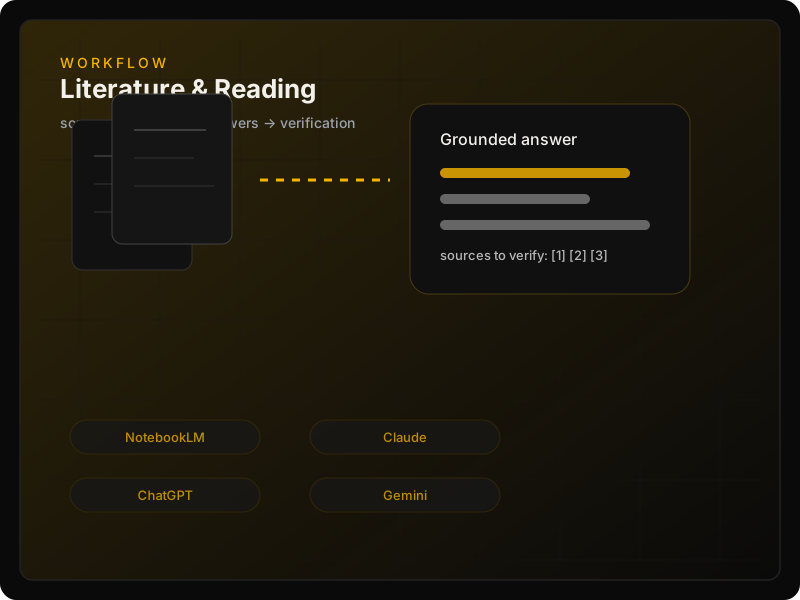
Literature & Reading Assistant
Compare how tools handle PDFs, abstracts, reading lists, and source-grounded questions. Practise summaries, concept extraction, citation checks, and "where did this claim come from?" verification.
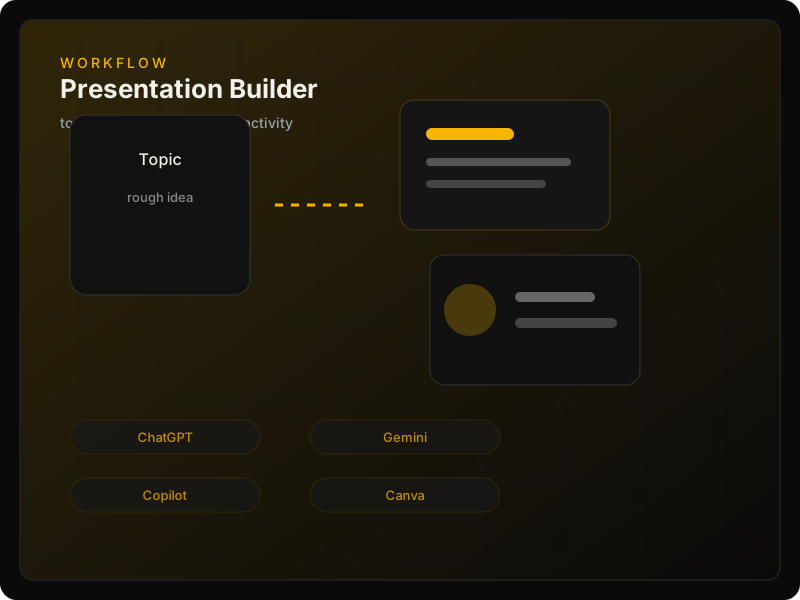
Presentation & Lecture Builder
Turn a topic, paper, or course outline into learning objectives, a lecture structure, slide flow, examples, discussion prompts, and classroom activities -- then critique the output.
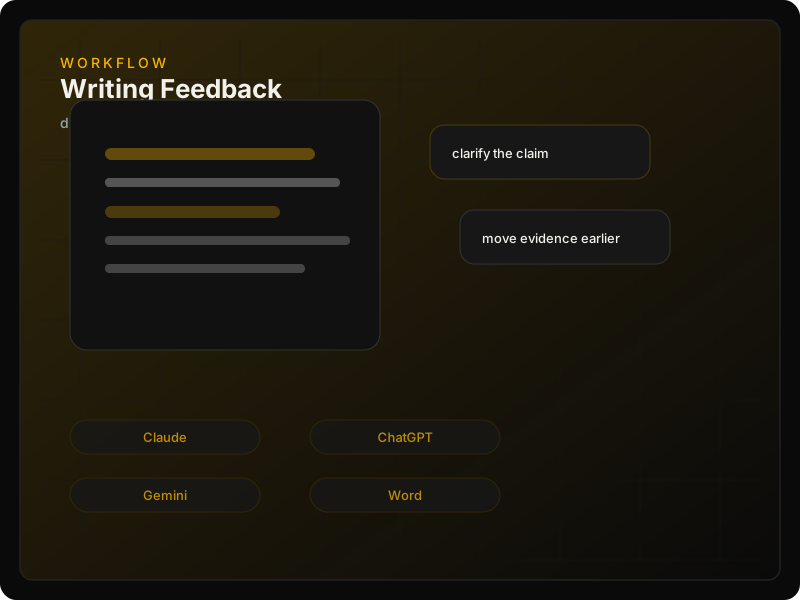
Academic Writing Feedback Loop
Use AI as a structured reviewer for clarity, argument, tone, organisation, abstract refinement, peer-review response planning, and plain-language summaries.
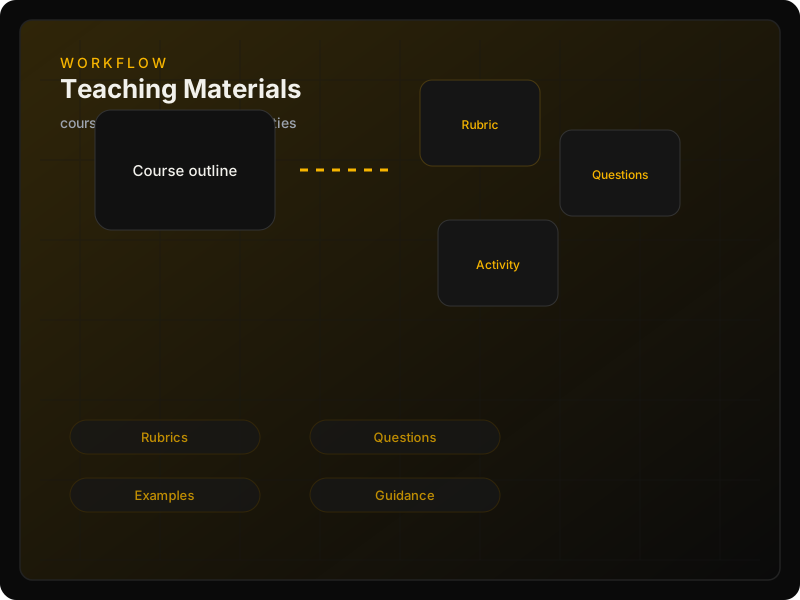
Teaching Materials Generator
Create assignment briefs, seminar questions, rubrics, feedback templates, quiz ideas, examples, and student-facing AI-use guidance tailored to your discipline.
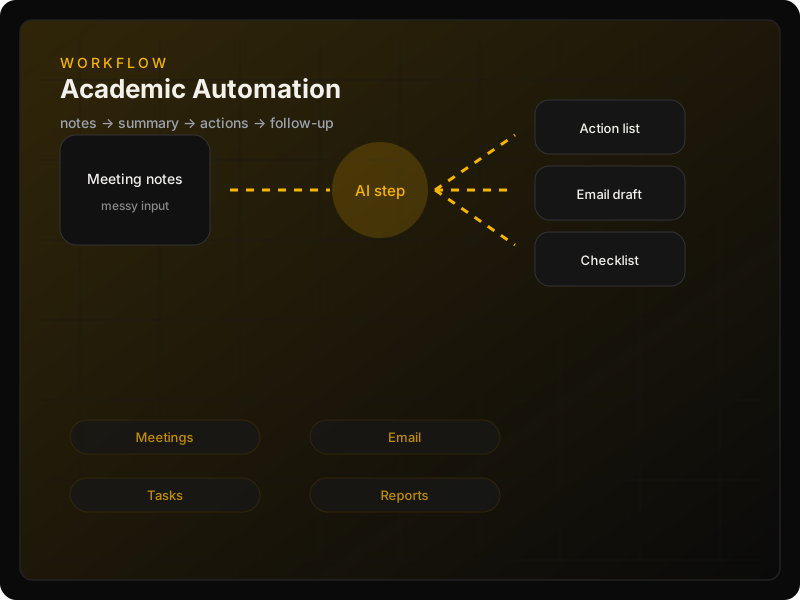
Research & Admin Automation
Explore small automations for meeting notes, action items, structured tables, follow-up emails, checklists, reports, and other repetitive academic admin.
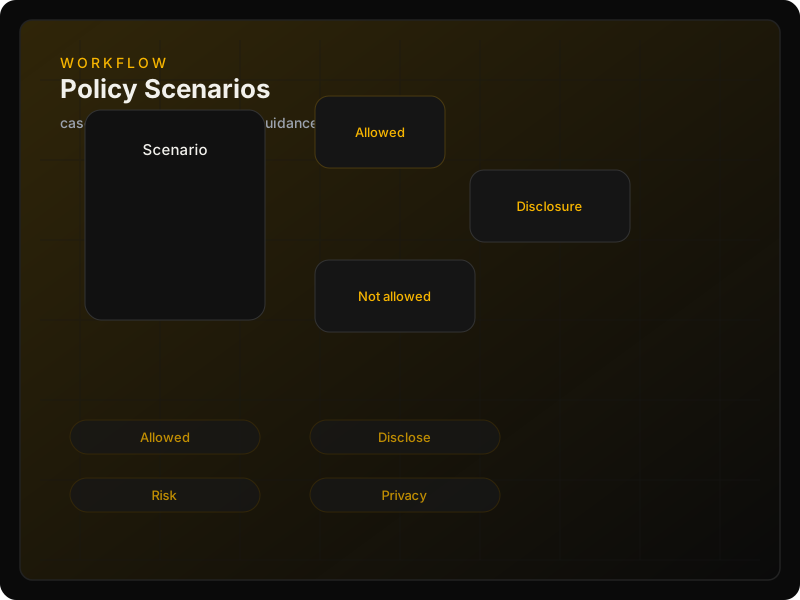
Policy & Student Use Scenarios
Work through practical cases: allowed use, disclosure, misuse, assessment design, privacy, and departmental language you can adapt rather than copy blindly.
Tool-neutral literacy
Different tools, different strengths
The workshop compares tools by task instead of treating one model as the answer. Claude may be useful for long documents, ChatGPT for broad multimodal work, Gemini for Google environments, NotebookLM for source-grounded study, Perplexity for web research, Copilot for Microsoft workflows, and local/open-source models for privacy-sensitive contexts.
Reading & synthesis
NotebookLM · Claude · ChatGPT · Gemini
Presentations & teaching
ChatGPT · Gemini · Copilot · Canva/Gamma
Writing feedback
Claude · ChatGPT · Gemini · Word/Grammarly
Web-grounded exploration
Perplexity · ChatGPT Search · Gemini
Automation
Copilot · Zapier · Make · n8n · custom tools
Privacy & control
Local models · approved institutional platforms
Built for academics who'd rather lead than catch up
Your students are using AI tools you haven't tried yet. That gap grows every semester.
The institutional pressure to "have an AI policy" landed on your desk, but nobody explained the technology.
You've seen the headlines. You want to know what's real, what's hype, and what actually matters for your work.
No technical background required. If you can use email and a web browser, you're ready.
What you take home
Templates & Reference Cards
Reusable materials designed for academic work -- not generic prompt sheets. Participants receive templates, examples, and decision guides they can adapt immediately.
Academic AI Workflow Cards
Step-by-step guides for papers, lectures, slides, writing, rubrics, feedback, and routine admin tasks.

Prompt Patterns for Academic Work
Reusable prompt structures for research, teaching, writing, feedback, policy, and administration.

AI Tool Comparison Guide
When to use ChatGPT, Claude, Gemini, NotebookLM, Perplexity, Copilot, or approved institutional tools.

Vocabulary & Risk Card
Plain-language terms plus practical risks: privacy, hallucination, bias, authorship, and disclosure.

What's Included
- ✓3-hour facilitated workshop at your institution
- ✓All presentation materials and reference cards
- ✓Hands-on exercises with guided practice
- ✓AI vocabulary reference card
- ✓Academic workflow templates for research, teaching, writing, presentations, and admin
- ✓Post-workshop resource pack
- ✓Follow-up support via email
Before You Arrive
- •Access to at least one AI tool, such as ChatGPT, Claude, Gemini, Copilot, NotebookLM, or an institution-approved platform
- •Optional: an existing course outline, assignment brief, or slide deck you would like to improve
- •2-3 PDF papers from your research area
- •A paragraph of your own academic writing
- •A laptop (fully charged)
No single paid AI subscription is required. If your institution already provides approved AI tools, the exercises can adapt to that environment.
Your Instructor
Jesse Gonzalez
Founder · CTW Studio
17+ years teaching technology across universities and research institutions. Computer Science background with a Master's in Artificial Intelligence.
Currently Senior Research Software Engineer at Netherlands eScience Center. 50+ projects across 15 institutions worldwide.
Based in Amsterdam, delivering workshops globally.
PRICING
Minimum group size: 10 participants. Maximum: 15.
- ✓3-hour workshop at your institution
- ✓All materials and reference cards
- ✓Hands-on exercises with mainstream and institution-approved AI tools
- ✓Post-workshop resource pack
- ✓Follow-up support via email
Travel costs may apply for locations outside the Netherlands.
Questions
Do I need technical experience?
No. This workshop is designed for academics in social sciences and humanities with no programming or technical background. If you can use email and a web browser, you're ready.
Do I need a specific AI subscription?
No. The workshop teaches transferable AI skills, not loyalty to one platform. We may demonstrate ChatGPT, Claude, Gemini, NotebookLM, Perplexity, Copilot, local models, or institution-approved systems depending on access and privacy requirements.
What if I need to cancel?
Full refund if cancelled 14 or more days before the workshop. 50% refund between 7-14 days. No refund within 7 days. See our terms and conditions for details.
Will I get the materials afterwards?
Yes. You'll receive slides, workflow cards, prompt patterns, the AI tool comparison guide, the vocabulary and risk card, and a curated resource list after the workshop.
Can I expense this through my university?
Absolutely. We provide a formal invoice suitable for institutional professional development budgets. Many universities have dedicated funds for digital skills training.
Will this help with presentations and teaching materials?
Yes. A major part of the workshop focuses on turning ideas into lecture outlines, slide structures, seminar questions, assignment rubrics, feedback templates, and student-facing instructions.
Can it adapt to our university's approved tools?
Yes. If your institution uses Microsoft Copilot, Gemini, ChatGPT Enterprise, local models, or another approved system, the hands-on exercises can be adapted around that environment.
Ready?
Move from AI anxiety to practical judgment
Give academics a clear, hands-on understanding of what AI tools can do for teaching, research, writing, presentations, and administration -- and where caution is still essential.
contact@ctw.studio